
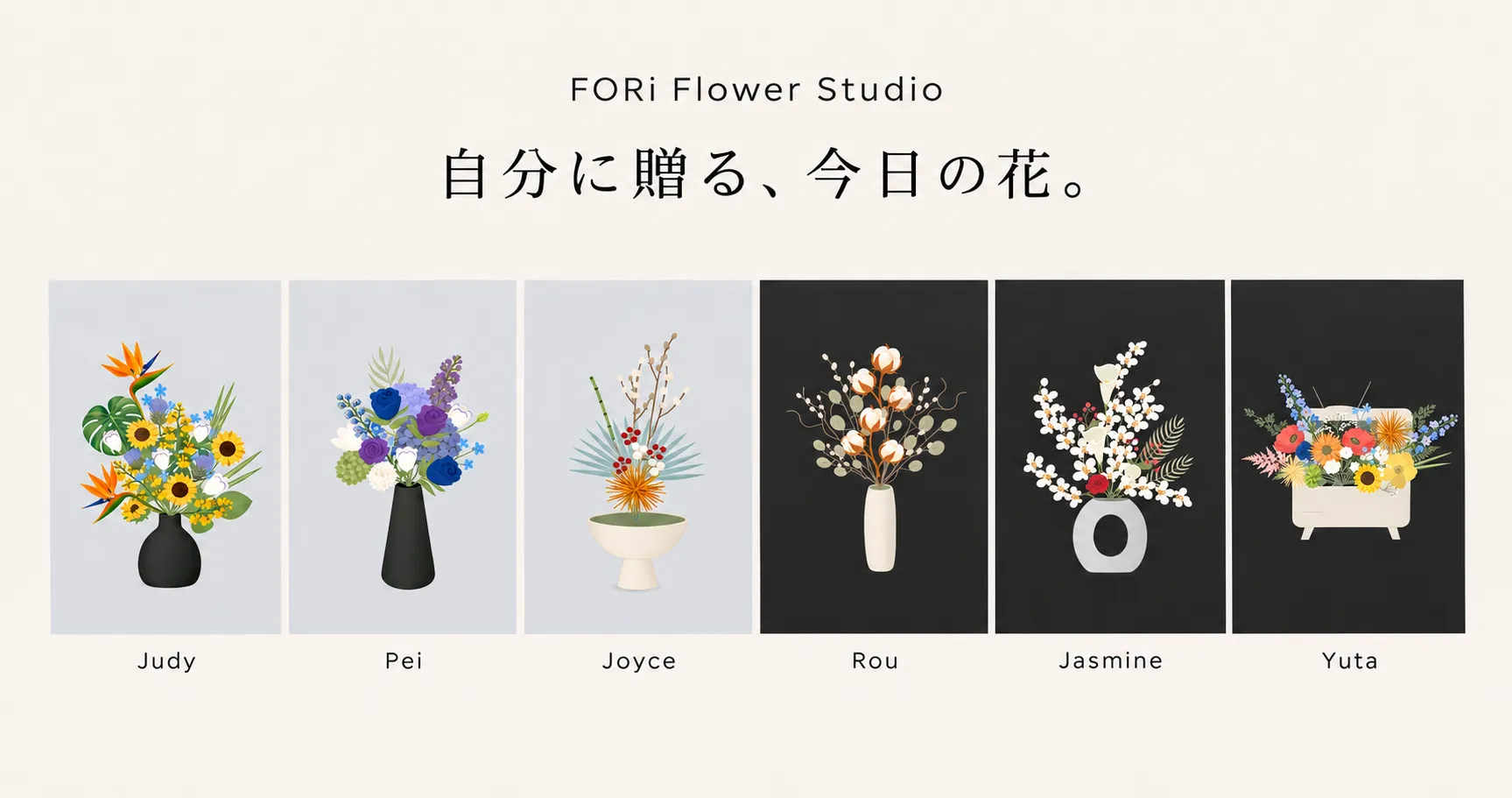
FORi Flower Studio
No timer, no score — just you and 115 stems waiting for a vase.
About the game
FORi Flower Studio is a free online flower arranging game from a real Taiwan florist studio. Add stems from a library of 115 flowers, foliage and dried accents, then drag, tilt and recolor each one until the bouquet looks like you. There is no score and no timer — finish your piece as a floral greeting card, a picture download, or a replay video of the whole arranging process.
Game info
- Genre
- Flower arranging
- Categories
- SimulationCasual
- Developer
- Hao Chen (FORi Flower)
- Added
- November 12, 2026
- License
- Embedded via the developer's official game site (verified frameable, referral attribution)
Game features
- A library of 115 stems: 31 main flowers, 38 fillers, 27 foliage stems and 19 accents like cotton, pine cones and pampas grass
- Per-stem arranging tools: drag on the canvas, nudge with arrow keys, set stem height and tilt up to 75 degrees in either direction
- Quick color palettes restyle individual blooms — one rose can go classic red, ivory, burgundy, deep blue or gradient red
- 13 vases in three finishes, paper-wrapped bouquet styles, and playful containers like a mug, vintage TV, poodle or typewriter
- Three canvas backgrounds — default gray, soft pink and near black — to match the mood of your arrangement
- The finish screen turns your work into a greeting card with a 140-character message and a wax-seal design, a downloadable image, or a printable postcard
- One tap creates a replay video of your entire arranging process, start to finish
How to play
Start by adding stems from the Flowers panel — main blooms, fillers, foliage and dried accents each sit in their own group. Click a stem to drop it into the vase, then drag it around the canvas or nudge it with arrow keys. Open the Adjust tab to fine-tune the selected stem: sliders set its height and tilt, quick colors restyle the bloom, and To back pushes greenery behind focal flowers. The Containers tab swaps your vase for another shape, a wrapped bouquet or something playful, while Background sets the scene. When it feels done, hit Finish to make a greeting card, download the picture, or record a replay video.
Tips & strategies
- 1.Set your main blooms tall first, then drop fillers and foliage lower — height layering is what makes an arrangement read as a bouquet instead of a row.
- 2.Select greenery and press To back so leaves sit behind the flowers; one eucalyptus stem pushed backward can frame five blooms at once.
- 3.A few stems tilted toward the 75-degree mark give a loose, natural silhouette — perfectly vertical stems look stiff, especially in low bowls.
- 4.Choose the background before recoloring: near black flatters light and pastel blooms, soft pink warms earth tones, and gray flatters everything.
- 5.For greeting cards, try the Imagination containers — a vintage TV or typewriter full of flowers makes the card itself a conversation piece.
Screenshots
Captured from the game running on Gameplo.
Controls
| Add a stem | Click a flower in the Flowers panel |
|---|---|
| Arrange stems | Drag on the canvas; arrow keys nudge the selected stem |
| Fine-tune a stem | Adjust tab: height and angle sliders, quick colors |
| Touchscreen | Touch controls provided by the game. |
Troubleshooting
FORi Flower Studio is a live online game, so it needs an active internet connection — a blank or frozen canvas usually means the page could not reach the studio's server. Wait a moment and reload; an arrangement in progress is not stored between reloads, so finish and download before closing the tab. Corporate or school networks that block unknown domains can also stop the game from loading. If it still will not start here, the developer's own site is linked on this page and loads the same studio in full.
Frequently asked questions
Is FORi Flower Studio free to play?
Yes. Every stem, container and the full finish workflow are free in the browser, and arranging plus image downloads need no account.
Do I need an account to save my arrangement?
Not for the basics: you can arrange and download images without signing in. A free account only adds the My Flower Room cloud gallery for keeping works online.
Can I send my arrangement as a card?
Yes. The finish screen turns your bouquet into a greeting card with a recipient, a 140-character message, your signature and a wax seal, plus an envelope preview.
Does it work on phones and tablets?
Yes. The studio adapts to smaller screens and touch input, so you can arrange with taps and drags on mobile as well.
Why does the game ask for an internet connection?
FORi Flower Studio runs as a live online game — stems, saving and sharing all talk to the studio's server, so an offline browser shows an empty canvas.